

Most Americans use a web browser dozens of times a day, often without giving privacy much thought. But more people are starting to ask hard questions about who is watching them online. A small group of privacy-focused browsers is gaining new users by promising to block trackers, hide personal details, and stop the constant data grab. It's helpful to understand popular privacy browsers and what makes each one stand out from the rest.
Why Use Privacy-Focused Browsers?
The bigger picture is that Americans are already deeply worried about how their data is collected and used, even if they feel powerless to do much about it. About 71% of U.S. adults say they are very or somewhat concerned about how the government uses the data it collects about them, up from 64% in 2019 (source).
Trust in big tech leadership is even lower: 77% have little or no trust in social media executives to publicly admit mistakes when user data is misused, and 71% doubt those leaders will be held accountable (source). A privacy-focused browser will not fix every one of these problems, but it shuts down one of the biggest pipelines companies use to build, share, and sell personal profiles — which is one of the few real levers users still have on their own.
Brave: Crossing the 100-Million Mark
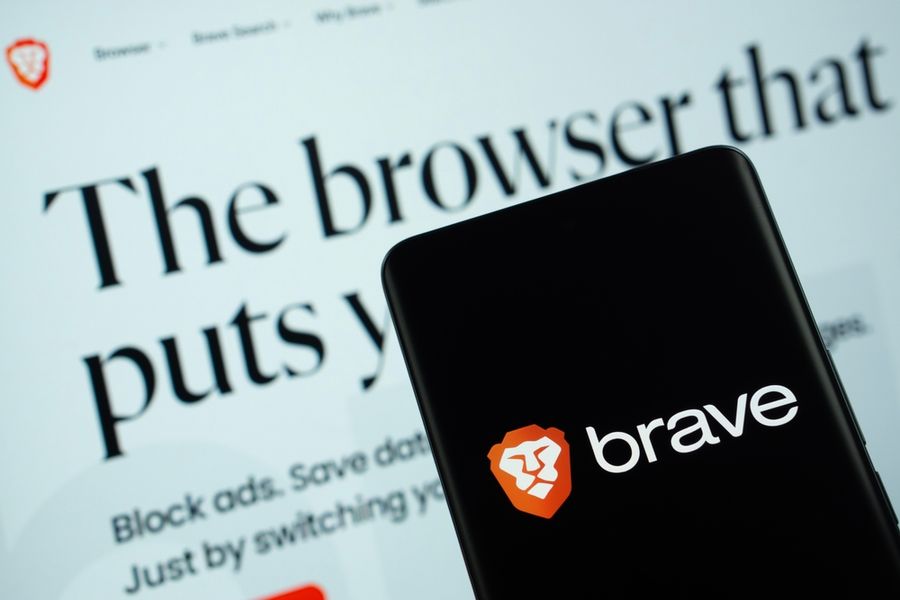
Brave has been one of the loudest names in privacy browsing for years, and the user numbers now back up the talk. The browser officially surpassed 100 million monthly active users worldwide as of September 30, reaching 101 million in total (source). Daily active users have grown to 42 million, giving the browser a strong daily-to-monthly engagement ratio of 0.42 (source). That kind of return rate is rare outside the biggest tech companies.
The growth has not been a sudden spike but a steady climb. Over the past two years, Brave has added an average of about 2.5 million new users each month (source). Part of that boost came in the EU after Apple added a browser choice panel in 2024, which sent Brave's daily iOS installs in the region up by 50% (source). On the protection side, Brave Shields block ads, third-party trackers, cross-site cookies, and fingerprinting by default, with no extra extensions needed. Brave Search, the company's independent search engine, is also growing fast, serving nearly 20 billion queries per year (source).
Firefox: Old Name, New Fingerprint Defenses
Firefox is the oldest privacy-leaning name in the group, and it has been adding new defenses to keep pace with younger rivals. In Firefox 145, the browser rolled out major upgrades aimed at browser fingerprinting, a sneaky tracking trick that can identify users even when cookies are blocked or private browsing mode is on (source). These fingerprinters can follow people across the web for months at a time.
The new protections cut the share of Firefox users that can be tracked by fingerprinters in half (source). Firefox first introduced Enhanced Tracking Protection in 2020, and Total Cookie Protection followed not long after (source). The newest fingerprinting defenses are first available to users in Private Browsing mode or Enhanced Tracking Protection's Strict setting, with plans to turn them on by default for everyone over time (source). The goal is strong privacy that does not break legitimate site features.
DuckDuckGo: Privacy as the Default
DuckDuckGo started as a private search engine but now offers a full browser as well, with privacy turned on from the first click. The DuckDuckGo browser blocks third-party trackers from companies like Google and Facebook, stops ads from following users around the web, and works to block annoying cookie pop-ups (source). One-click buttons let users wipe tabs, history, and browsing data on demand.
The company says hidden trackers lurk on 85% of popular websites, which makes default protection a strong selling point (source). DuckDuckGo browsers are available on Windows, Mac, Android, and iOS, so users can switch across devices without giving up the same protections. For people who want privacy without changing their settings or learning a new tool, the "private by default" approach has been a major draw and a clear point of difference.
Why More Users Are Switching
There are a few common reasons people are picking these browsers over the bigger names. First is the rise of fingerprinting and other quiet tracking tools. Cookies are no longer the only way websites watch you, and fingerprinting can stick around for months even in private browsing mode (source). When people learn this, the idea of a browser that fights back starts to feel less optional.
Choice also matters. Many users do not realize they can switch browsers easily on a phone, but new rules in some regions have made the choice clearer. When Apple added a browser choice panel in iOS 17.4, daily Brave installs in the EU jumped by 50% (source). Even a small nudge can change which browser people pick. As more devices give users a fair choice screen at setup, smaller privacy browsers have a real shot at growth. Word of mouth matters too: once one friend or family member starts using a privacy browser and likes it, others often follow.
The Road Ahead for Privacy Browsers
Privacy-focused browsers are no longer just a niche favorite for tech-savvy users. Each of the aforementioned platforms takes a slightly different path, but all three are signaling that "privacy by default" is becoming a real product feature, not just a marketing line that fades after install.
For everyday users, the takeaway is simple. Picking one of these browsers does not need to be a forever choice, and many of the big-name browsers can also be tuned for stronger privacy. The point is that more options now exist, and more people are choosing them. If the current trend keeps going, the next few years may see privacy move from a side feature into the main thing people expect from any browser they open in the morning.