

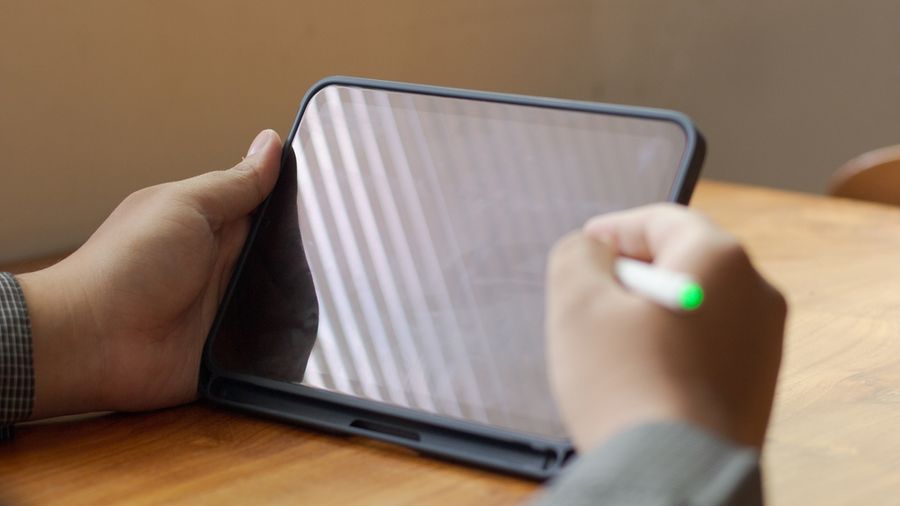
E-Ink tablets sit in a fast-growing middle ground between a regular tablet and a paper notebook. They use an electronic ink display, which looks much more like a printed page than a glowing phone or laptop screen. You can write, read books, mark up PDFs, and take meeting notes without the constant buzz of alerts. For beginners, knowing the top models and the features that matter most can make picking one a whole lot easier.
What Is an E-Ink Tablet?
An E-Ink tablet is a device with a screen that uses tiny ink particles instead of bright pixels. Because the display reflects natural light rather than emitting it, the screen looks much closer to paper than a phone or laptop. The reMarkable Paper Pro, for example, uses a textured display crafted to deliver realistic friction and a natural writing feel (source).
Most E-Ink tablets are built to do a few things very well: read books, take notes, and review documents. They are not made to play videos or run dozens of apps, and that trade-off is the whole point. With no pop-ups, social media, or notifications to pull users away, these devices are made for focused reading and writing.
The reMarkable Paper Pro
The reMarkable Paper Pro is one of the most talked-about E-Ink tablets on the market today. It features an 11.8-inch color display with an adjustable reading light and an ultra-slim profile (source). The display, called Canvas Color, uses millions of color ink particles to give a broad range of natural tones and better depth than older black-and-white E-Ink screens.
Writing on the device is meant to feel close to writing on real paper. The pen-to-ink distance is less than 1 mm, so each line appears almost exactly where the marker tip touches the screen. The included Marker has no battery and snaps magnetically to the side of the tablet, and a Marker Plus version adds a built-in eraser for quick corrections. The tablet ships with a Marker, a USB-C cable, and 6 replacement tips, plus a 50-day satisfaction guarantee (source).
The New Kindle Scribe Lineup
Amazon recently redesigned the Kindle Scribe lineup, which now includes three options: a standard Kindle Scribe, a Kindle Scribe Colorsoft, and a version without a front light (source). All three use an 11-inch glare-free display, measure 5.4 mm thin, weigh about 400 grams, and offer 40% faster writing and page turns than previous models (source).
The Kindle Scribe Colorsoft is the headline upgrade because it brings a color writing experience to a Kindle for the first time. It uses Amazon's custom Colorsoft display technology with a color filter and nitride LEDs designed to enhance color without washing out details.
Across the lineup, users can write or highlight in 10 pen colors and 5 highlighter colors, and the included Premium Pen attaches magnetically and never needs charging (source). Productivity features include AI-powered notebook search, Quick Notes, Google Drive and OneDrive support, and export to OneNote.
The Kobo Elipsa 2E and Other Options
For readers who already use the Rakuten Kobo ecosystem, the Kobo Elipsa 2E pairs with the Kobo Stylus 2. The Stylus 2 has a replaceable stylus tip, a built-in highlighter button that you press and hold to highlight text, a USB-C charging port, and a colored indicator light that shows how much battery is left (source). The Stylus 2 also works with the Kobo Sage and Kobo Libra Colour, so the same pen can move between supported devices (source).
Beyond Kobo, brands like Onyx Boox and Supernote sell their own E-Ink tablets, often with different screen sizes and software. The good news for beginners is that the basics — writing on glass that feels like paper, reading without glare, and long battery life — are now well covered no matter which brand someone picks.
What to Look For When You Buy
A few practical features matter more than fancy specs. Screen size shapes daily use; bigger displays like the 11-inch Kindle Scribe and the 11.8-inch reMarkable Paper Pro are great for full-page PDFs but harder to slip into a small bag (source; source). A built-in front or reading light is also essential for dim rooms or nighttime use, and both reMarkable Paper Pro and the newest Kindle Scribe lineup include one.
Pen behavior is worth checking too. Some pens charge separately, while others run forever without a battery, like the Premium Pen for Kindle Scribe and the reMarkable Marker. Beginners should also think about software. Kindle Scribe ties into Amazon's bookstore and now adds OneDrive, Google Drive, and OneNote support, while reMarkable Paper Pro is built around a focused, distraction-free workflow (source; source).
Finding Your Right Fit
E-Ink tablets are not for everyone. If your main need is streaming video, gaming, or running dozens of apps, a regular tablet is still the better tool. But if you want a calmer device built for reading, writing, and thinking, the E-Ink category has come a long way in just a few years.
The reMarkable Paper Pro stands out for its color display, paper-like feel, and distraction-free design. The new Kindle Scribe lineup adds color writing, AI notebook features, and tight Amazon bookstore integration. The Kobo Elipsa 2E gives Rakuten Kobo readers a tablet that pairs neatly with the Kobo Stylus 2 across supported devices. Match the feature set to how you plan to use the tablet, and the choice gets a lot easier.