

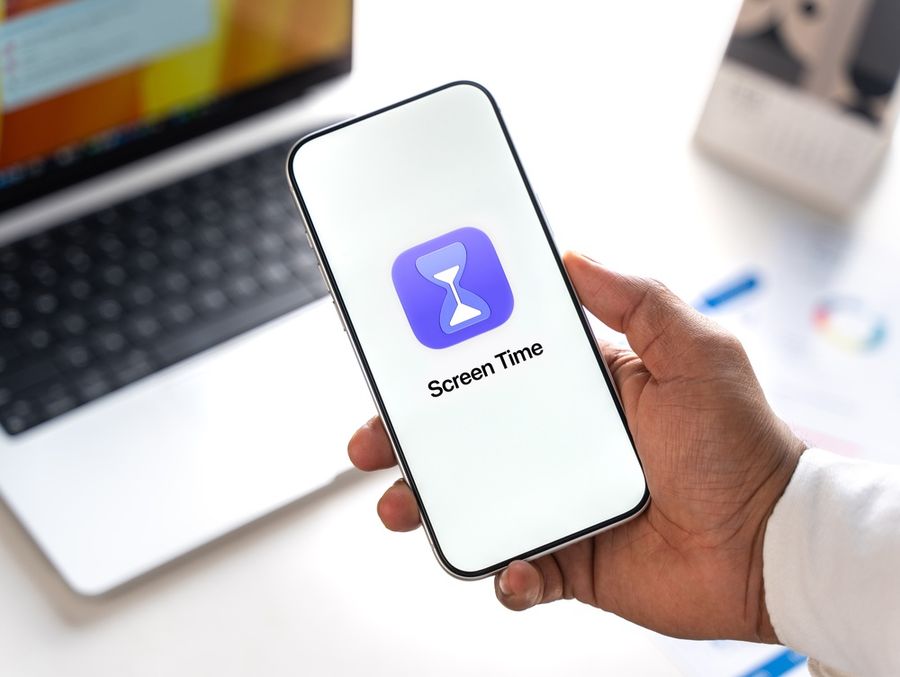
Managing phone screen time has become a growing priority for Americans who want to protect their focus, sleep, and mental well-being. Several apps and tools now make it easier than ever to set meaningful boundaries with devices without relying purely on willpower.
Why Screen Time Management Matters
Spending too many hours staring at a phone screen carries real consequences for physical and mental health. According to physician-backed guidance from the American Medical Association, excessive device use is linked to eye strain, neck and back discomfort, disrupted sleep, and an elevated risk of anxiety and depression (source). These are not minor inconveniences—they represent a pattern of harm that builds gradually over time.
One particularly problematic habit is doomscrolling, which the AMA describes as compulsive, excessive time spent cycling through negative news and social media content. This behavior can fuel anxiety, chronic stress, depression, and even social isolation (source). Understanding what drives mindless scrolling is the first step toward addressing it—and the right app can make that process significantly more manageable.
App-Based Solutions for Reducing Phone Use
One of the most accessible tools available is ScreenZen, a free app compatible with both Android and iPhone. Rather than simply blocking apps outright, ScreenZen introduces a deliberate pause before granting access to potentially distracting apps. That brief waiting period forces a moment of reflection, giving users a chance to reconsider whether they genuinely need to open the app. This friction-based approach has shown particular promise for individuals with ADHD, where impulse control around device use can be especially challenging (source).
For iPhone users, Apple's built-in Screen Time feature offers a robust suite of options without requiring any third-party downloads. Users can place time restrictions on individual apps, schedule Downtime periods that suspend apps and silence notifications during designated hours, and extend these controls to other family members on shared accounts (source). Because it is embedded directly into iOS settings, it requires no extra setup and functions seamlessly as part of the device's existing framework.
Physicians also recommend addressing the environment surrounding phone use, not just the apps themselves. The AMA advises designating specific areas—such as the dinner table and bedroom—as screen-free zones, and setting firm limits on device use before bed. Screens produce blue light that suppresses the body's natural melatonin production, making it harder to fall asleep and stay asleep (source). Apps that support scheduled Downtime periods work well alongside these environmental changes.
Hardware and Hybrid Tools That Go Further
For those who find that app-based solutions are too easy to override, hardware tools offer a more committed approach. The Brick device physically restricts access to selected apps and displays a reminder message whenever a user attempts to open a blocked one. The design intentionally makes it harder to bypass restrictions, which is the core appeal for users who struggle with self-imposed digital limits (source).
Another hybrid option is the Bloom stainless steel card, which connects to a companion app available on both iOS and Android. Through the companion app, users can block specific apps or websites on a custom schedule. Bloom also includes a childproof mode that functions as a parental control layer, making it a versatile choice for households managing screen time for children and adults alike (source).
Screen Time Guidelines for Families
Parents navigating device use for younger children have additional considerations. The American Academy of Pediatrics recommends that children under 18 to 24 months avoid screens entirely, with the exception of video calls. For children between two and five years old, the suggested limit is no more than one hour per day, while children six and older should generally stay at two hours or fewer of recreational screen time daily (source). Apps like Bloom, with their parental control modes, and Apple's Screen Time family sharing features are well-suited to help families stay within these boundaries.
Establishing healthy screen habits early can shape how children relate to technology as they grow older. Parents who model deliberate, intentional phone use—supported by the right tools—create a household culture where balance with devices becomes the norm rather than the exception.
Why You Should Learn More About Managing Phone Screen Time Today
The connection between excessive phone use and real health consequences—ranging from disrupted sleep to heightened anxiety—makes screen time management a subject worth taking seriously. Whether someone opts for a free friction-based app, a built-in device feature, or a physical tool designed to enforce boundaries, multiple approaches exist to fit different lifestyles and needs. Physicians consistently emphasize that balance and intentional media habits make a meaningful difference in daily well-being. Exploring the available options and finding an approach that aligns with personal routines is one of the most practical steps anyone can take toward healthier device use.